Facebook Live Requirements 2026: What Creators Need to Know
A practical 2026 guide to Facebook Live requirements, including account age, follower minimums, Page access, live policies, stream quality, and how FeelThere helps creators stream to Facebook and other platforms simultaneously.
Facebook Live remains a powerful way to connect with an audience in real time. Creators, businesses, communities, sports clubs, musicians, DJs, educators, and event organizers can use live video to create direct interaction, answer questions, share updates, and build stronger relationships with followers.
In 2026, going live on Facebook is not only about pressing the live button. You need to understand the platform requirements, make sure your account or Page is eligible, follow Meta’s live policies, and prepare a reliable broadcast workflow.
Facebook Live requirements in 2026
Meta states that your account must be at least 60 days old. A Page or professional mode profile must have at least 100 followers. To go live from a Page, you need the correct Facebook access or task access to create content.
These requirements are important because they can affect whether you are able to broadcast from your profile, Page, or professional presence. If Facebook says you do not meet the criteria to go live, check account age, follower count, Page permissions, and account status first.
Where can you go live on Facebook?
Depending on your account, permissions, and Facebook settings, you may be able to go live from a personal profile, Page, group, or event. Page broadcasts are especially useful for businesses, sports clubs, public figures, organizations, and media brands because the content can reach an existing community and remain available after the live session.
Using Facebook Live with FeelThere
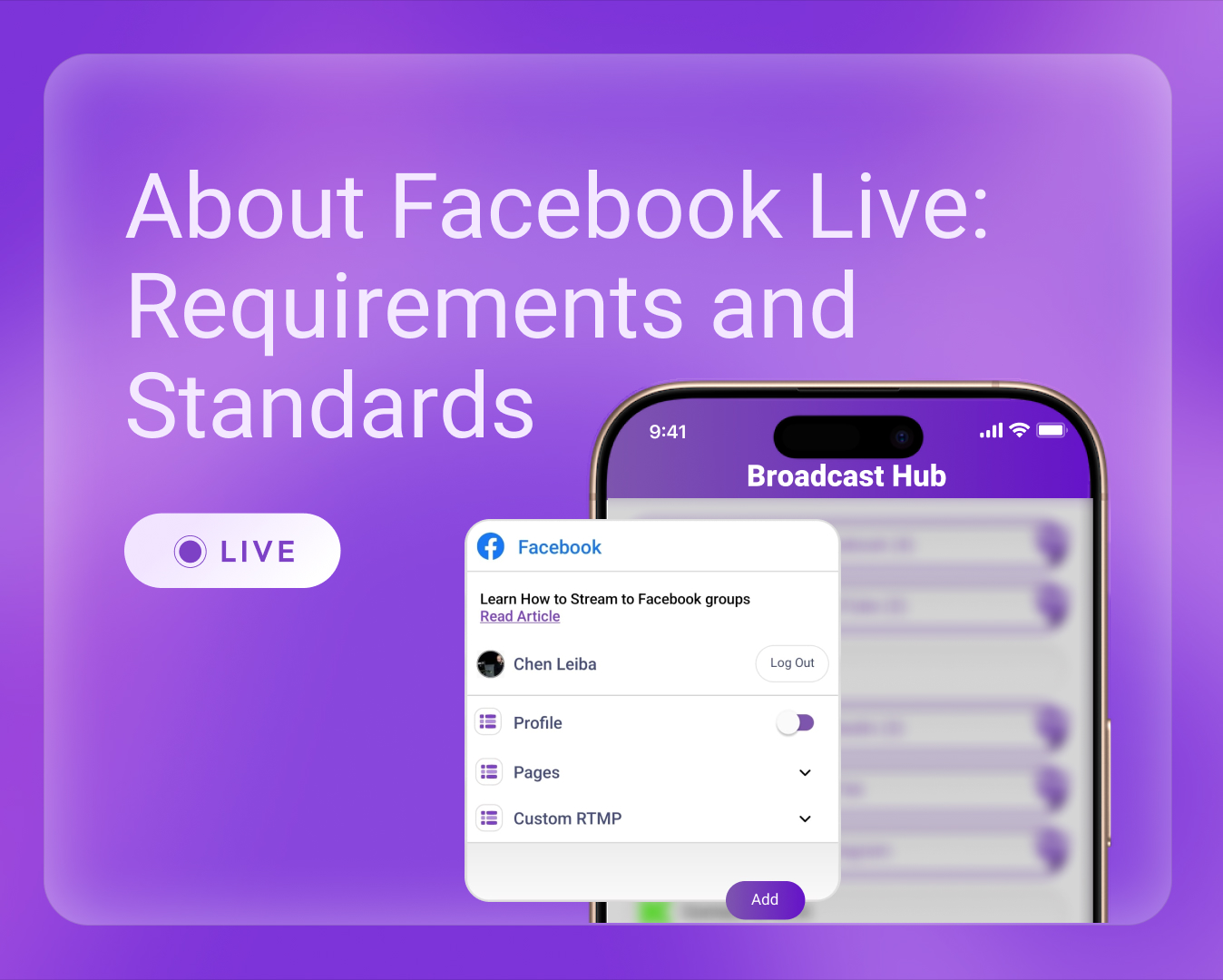
FeelThere helps simplify mobile live streaming by letting you stream from your smartphone to Facebook and additional destinations simultaneously. Instead of choosing only one platform, you can use one mobile broadcast to reach Facebook, YouTube, LinkedIn, Twitch, and custom RTMP destinations such as TikTok or Instagram when relevant.
How to prepare before going live on Facebook
1. Confirm your Facebook account is at least 60 days old.
2. Make sure your Page or professional mode profile has at least 100 followers if you plan to use those destinations.
3. Confirm that you have the required Page access or task access.
4. Test your internet connection, camera, and microphone.
5. Prepare your stream title, description, and call to action.
6. Open FeelThere, connect your destination, and go live from your phone.
Live video standards and safety
Facebook Live content must follow Meta’s policies and community standards. Avoid prohibited content, misleading claims, unauthorized copyrighted material, and unsafe live behavior. Good live streaming is not only technical. It also requires responsible moderation, clear communication, and audience management.
Why multistreaming helps Facebook creators
Facebook is strong for community interaction, but many audiences are spread across multiple platforms. A sports club may have fans on Facebook and YouTube. A business may have prospects on LinkedIn and Facebook. A musician may have followers on Facebook, Instagram, YouTube, and TikTok.
With FeelThere, one smartphone can become a cloud-powered multistreaming setup, helping creators turn one live moment into broader reach, more engagement, and more professional live content.
Sources: Meta Business Help Center - About Facebook Live, Meta Business Help Center - Requirements for Facebook Live videos
Download FeelThere: